

Automatic Center
Fixed Left
Fixed Center
Fixed Right

Custom Text
NO. 9 MOST POPULAR PLUGIN
Phrases important to you
Customizable options
Phrases
Make it count
Example: I am the best; TRMNL helps me focus
Font scaling
Choose Automatic if your phrase is more than 1-2 sentences long.
Text Alignment
(Optional) How to align the text. Defaults to center.
Title bar content
(Optional) What should appear in the bottom left corner?
Example: Daily Affirmations
Render Markdown
Should we parse phrase content as Markdown?
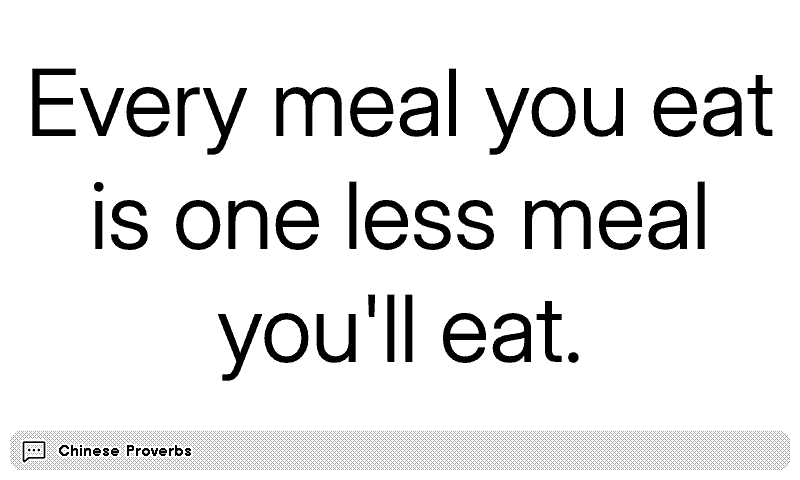
Your own words, on a TRMNL ePaper display. A quote, a goal, a reminder to drink water. Type 1 phrase, or several separated by semicolons, and you get a random one on each refresh.
Markdown works, so you can add bold, italics or a list, or turn it off and show the text exactly as typed. Automatic font scaling sizes the text to fill the space, which suits longer passages, or keep a fixed size. Align it left, center or right, and add your own line to the title bar at the bottom.











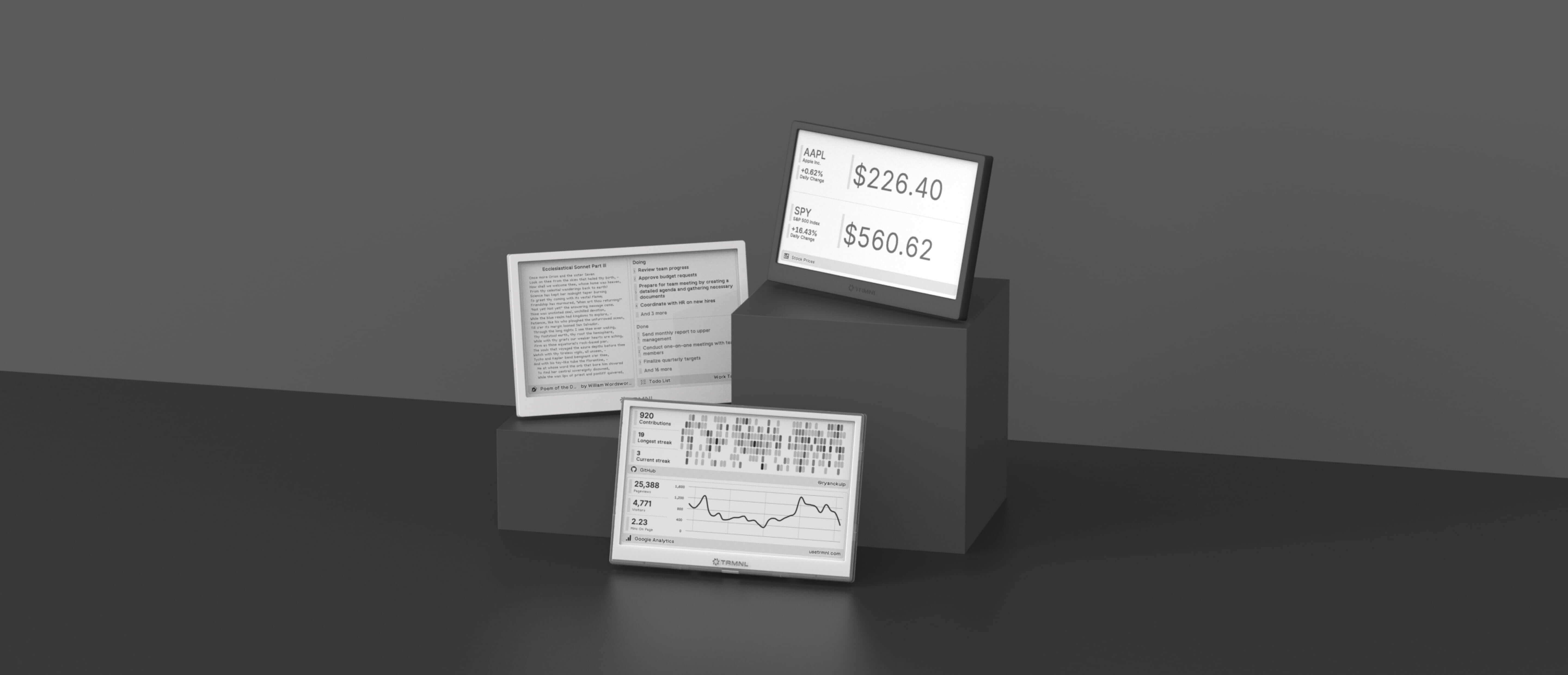
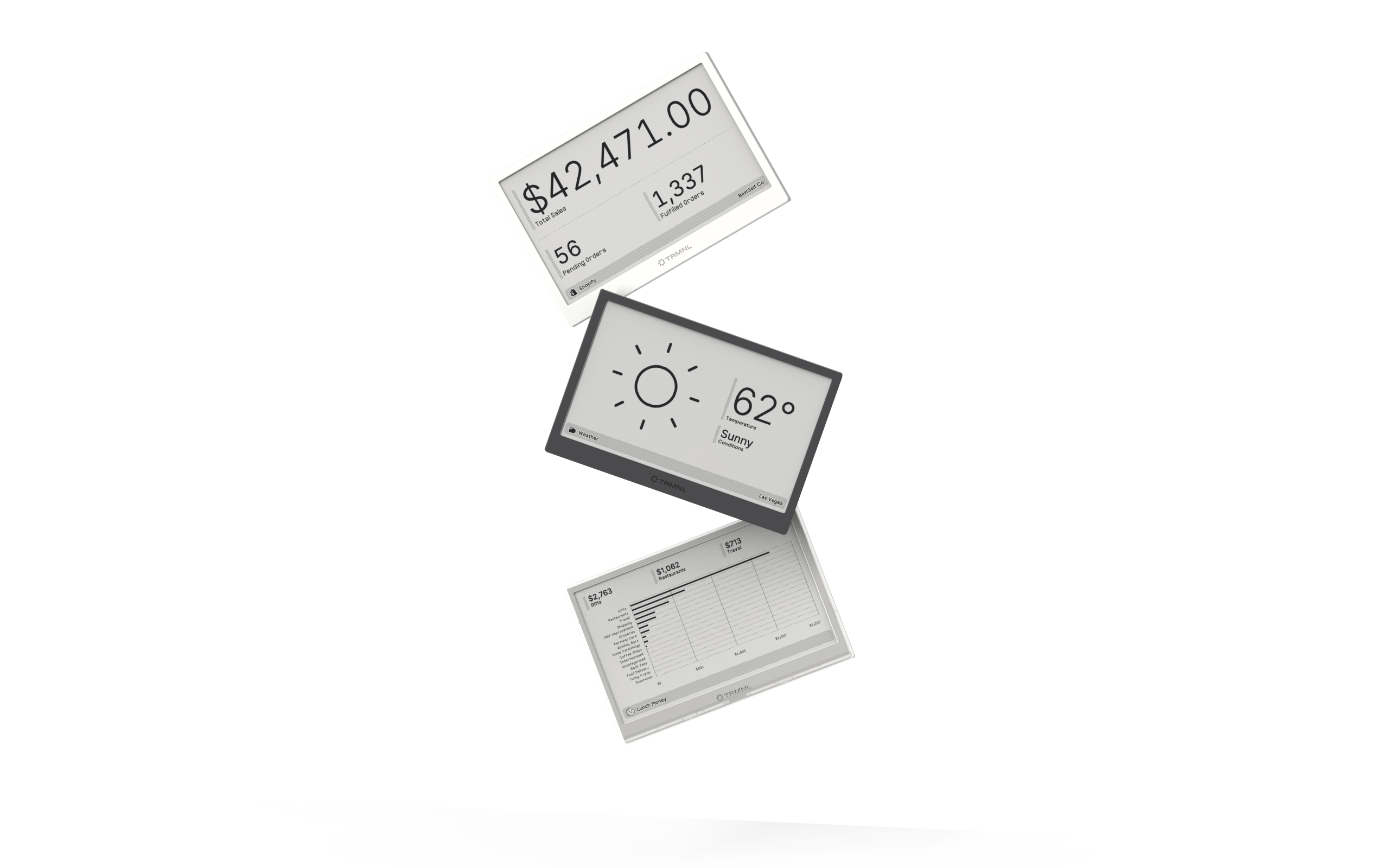
Connect your favorite apps
Our growing library supports work and personal needs, from your daily calendar to upcoming movies. New tools are added weekly.
