


Shopify
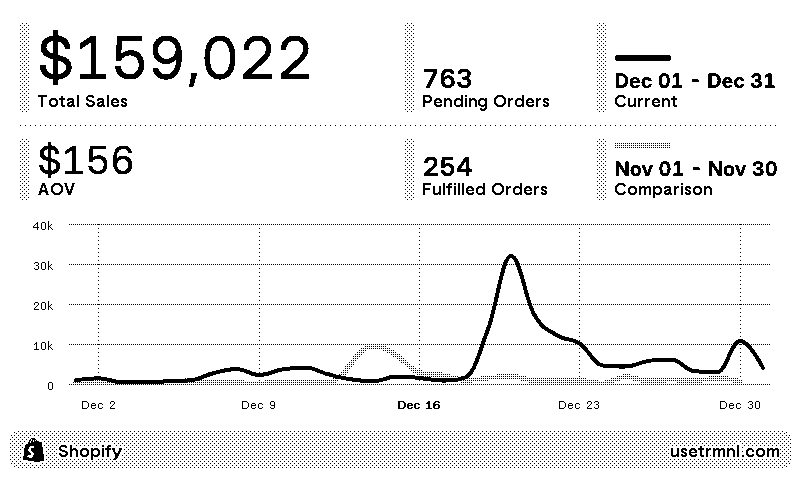
Shopify store sales dashboard
Customizable options
Client ID
From your app's Settings page in the Shopify Dev Dashboard
Example: 1a2b3c4d5e6f7a8b9c0d1e2f3a4b5c6d
Client Secret
From your app's Settings page in the Shopify Dev Dashboard
Example: shpss_b04dab04dab04dab04
Access Token
Only for custom apps made in the Shopify admin before 2026. Leave blank if you entered a Client ID and Secret.
Example: shpat_b04dab04dab04dab04
Lookback Period
Time span of displayed order data
Store Web Address
Store subdomain (without 'myshopify')
Example: mystore
Your Shopify sales, on a TRMNL ePaper display. Create a custom app in your Shopify admin with read only access to orders, then paste its access token and your store's address into the plugin. Our help article walks you through it.
Pick a lookback period: last 7 days, last 30 days, or month to date. The screen shows total sales and how they compare with the period before, pending and fulfilled orders, average order value, and a chart of daily sales against the previous period. Amounts show in your store's currency. TRMNL only reads orders, nothing else in your store.















Knowledge base Learn about this plugin in our knowledge base
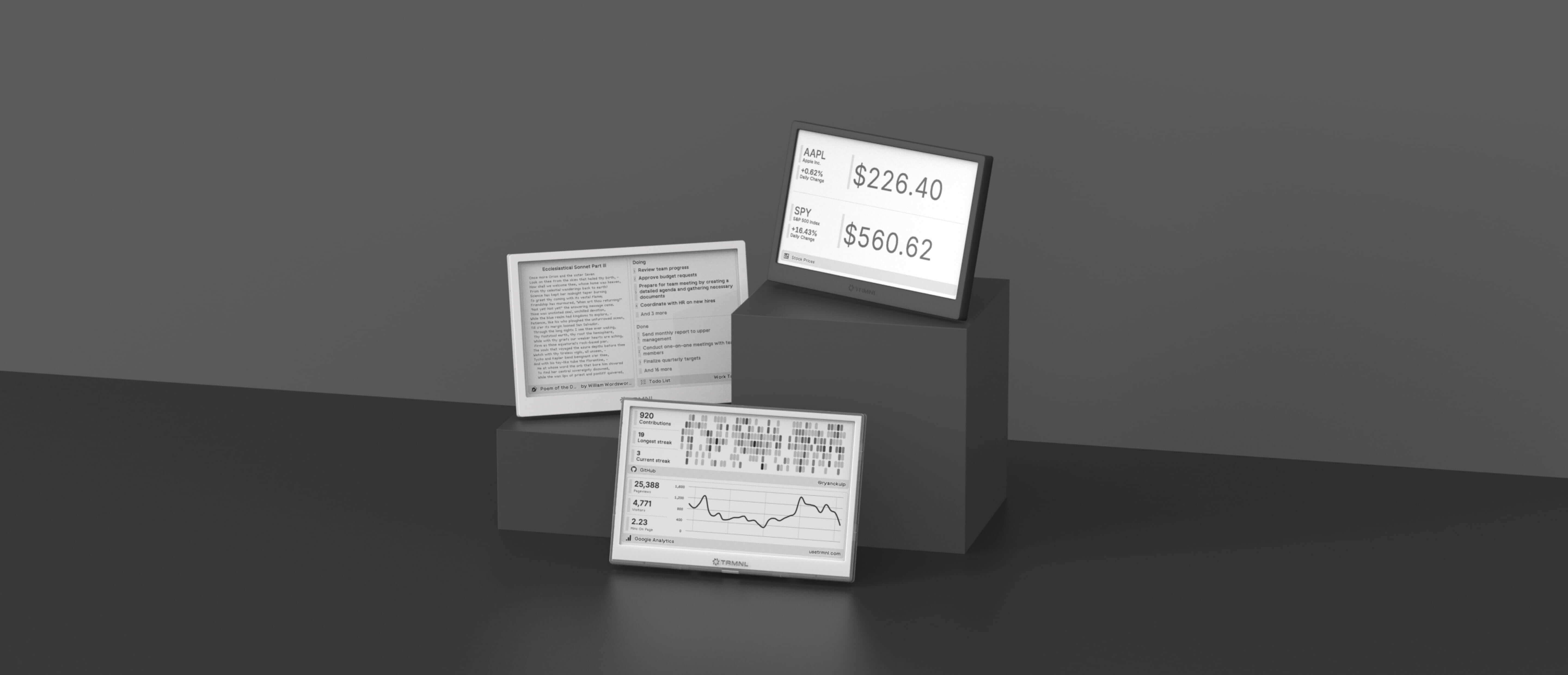
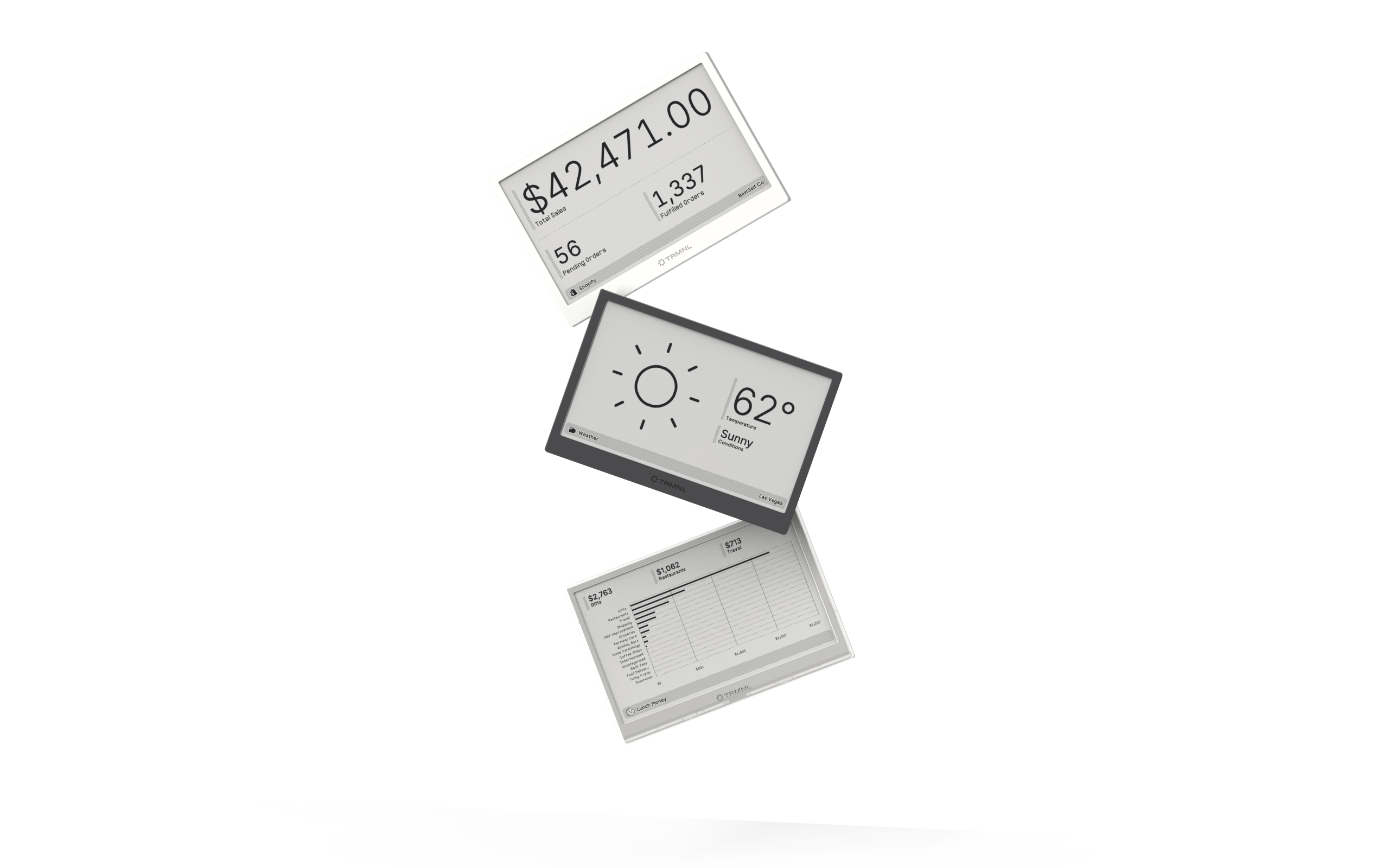
Connect your favorite apps
Our growing library supports work and personal needs, from your daily calendar to upcoming movies. New tools are added weekly.
